
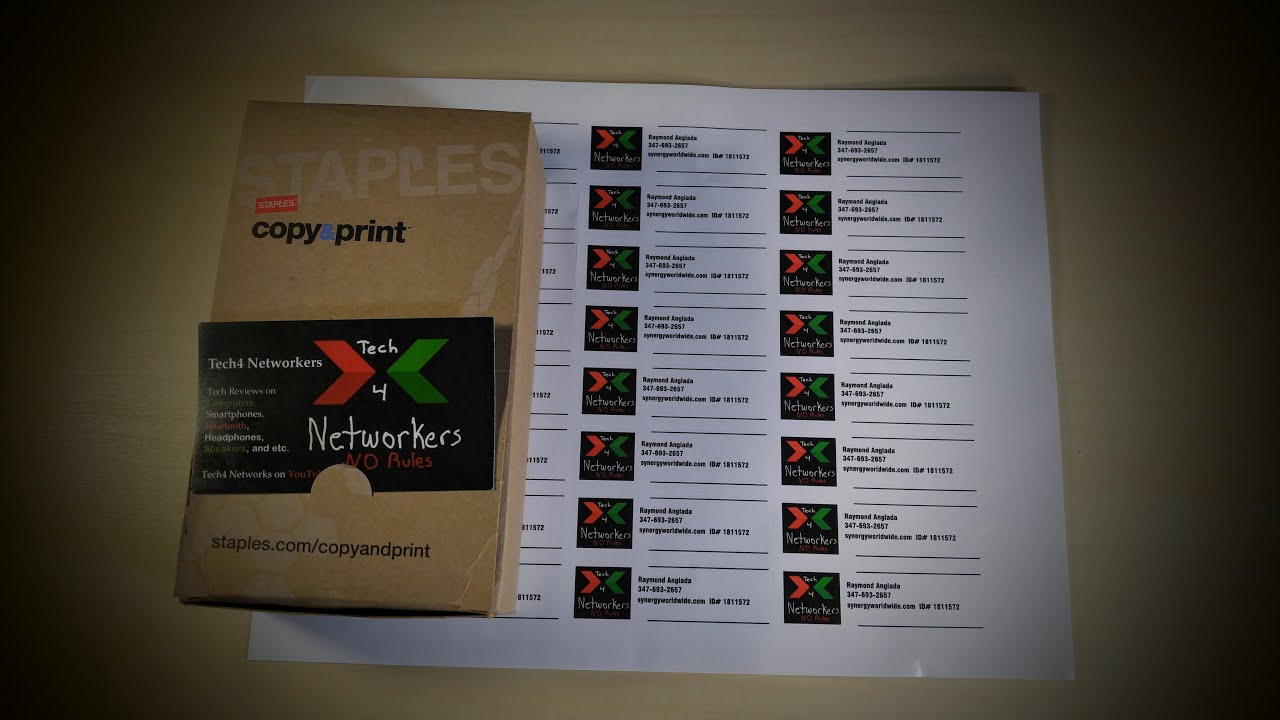

staples business card printing is available both in-store and online, with prices starting around $20 to $25 for 250 standard cards. Same-day printing is available at most locations, making it one of the few accessible options when you need cards fast. Whether it is worth using depends heavily on what you need, including pricing, quality, turnaround time, and how it stacks up against the competition.
For straightforward, affordable business cards with quick turnaround – especially same-day – Staples is a solid choice. For premium finishes, specialty paper, or maximum design flexibility, you’ll likely do better with an online printer. Here’s the full breakdown.
Staples Business Card Options
| Card Type | Paper Options | Finish Options | Turnaround |
|---|---|---|---|
| Standard | Standard (14pt) | Matte or Glossy | Same day or next day |
| Premium | Premium (16pt) | Matte, Glossy, or Soft Touch | 1-3 business days |
| Specialty | Linen, Recycled, or Kraft | Matte only | 3-5 business days |
| Rounded Corner | Standard or Premium stock | Matte or Glossy | 1-3 business days |
| Folded Cards | Standard weight | Matte or Glossy | 3-5 business days |
Staples Business Card Pricing (2025 Estimates)
Prices can vary slightly by location and whether you design online vs. bring your own file. These are approximate ranges based on standard in-store and online pricing:
| Quantity | Standard Cards | Premium Cards | Same-Day Upcharge |
|---|---|---|---|
| 100 cards | ~$20-$25 | ~$30-$40 | +$5-$10 |
| 250 cards | ~$22-$30 | ~$38-$50 | +$5-$10 |
| 500 cards | ~$28-$40 | ~$50-$65 | Not always available |
| 1,000 cards | ~$40-$60 | ~$70-$90 | Not typically available |
Design services are available in-store if you need help creating your card – expect to pay $10-$25 for basic design assistance, or use Staples’ free online design templates.
In-Store vs. Online Ordering at Staples
| Factor | In-Store | Online (staples.com) |
|---|---|---|
| Same-day availability | Yes – most locations | No – ships in 2-7 days |
| Design help | Staff assistance available | Template-based designer only |
| File upload | USB drive or email | Direct upload |
| Proof review | Physical proof possible | Digital proof only |
| Best for | Urgent needs, last-minute events | Bulk orders, non-urgent |
Print Quality: What to Expect
Staples uses digital printing (not offset lithography), which is fast and cost-effective but has some quality ceiling. Here’s an honest take:
- Colors are generally accurate for most designs, but very dark or saturated color blocks may come out slightly inconsistent.
- Text clarity is sharp – names, phone numbers, and logos render cleanly at standard sizes.
- The standard cardstock (14pt) feels adequate but not impressive. The premium stock (16pt) is noticeably better.
- Soft touch matte finish – when available – is genuinely nice and gives a premium feel.
- Double-sided printing is supported and works well.
The bottom line on quality: Staples cards look professional and are perfectly appropriate for most business and networking situations. They won’t wow people with paper quality, but they get the job done.
Staples vs. Competitors
| Printer | Starting Price (250 cards) | Min. Quality | Turnaround | Best For |
|---|---|---|---|---|
| Staples | ~$22-$30 | Good | Same day available | Fast turnaround, local pickup |
| Vistaprint | ~$10-$20 | Good | 5-10 business days | Budget bulk orders |
| Moo.com | ~$30-$50 | Excellent | 5-7 business days | Premium, unique cards |
| GotPrint | ~$15-$25 | Very Good | 3-5 business days | Value + quality balance |
| Office Depot/OfficeMax | ~$20-$30 | Good | Same day available | Similar to Staples |
| Canva Print | ~$15-$25 | Good | 5-8 business days | Canva template users |
When Staples Makes Sense – and When It Doesn’t
Choose Staples when:
- You need cards today or tomorrow for an event, meeting, or trip.
- You’re ordering a small quantity (100-250 cards) and don’t want to pay for shipping elsewhere.
- You want to walk in, review a physical proof, and leave with cards in hand.
- You’re a local business and want to support a nearby vendor.
Skip Staples when:
- You’re ordering 500+ cards – online printers like GotPrint or Vistaprint are significantly cheaper at scale.
- You want specialty finishes like foil stamping, letterpress, or spot UV – Staples doesn’t offer these.
- You want truly premium paper stock for a luxury or high-end brand.
- You have time and quality matters more than speed.
How to Order at Staples: Step-by-Step
- Go to staples.com/prints or visit your local Staples store.
- Choose ‘Business Cards’ from the print & marketing section.
- Select quantity, card type, and finish.
- Upload your design file (PDF, PNG, or JPG) or use the online template builder.
- Review your digital proof carefully – check alignment, bleed, and text accuracy.
- Choose standard shipping, rush shipping, or in-store pickup (same day if available).
- Complete payment and track your order via email confirmation.
Tip: Always upload files in CMYK color mode at 300 DPI for the sharpest print results. RGB files may print slightly duller than expected.











Leave a Comment